
Forms
Collect data on your users (contact forms, lead capture, satisfaction surveys) within your application using a form.
Thanks to PandaSuite’s offline capabilities, you can also retrieve the data without an Internet connection through a caching system.
There are several ways to create a form based on your needs:
- Online form: integrate an existing service (Google Forms, Typeform…) via the Web component. Simple to set up, but requires an Internet connection.
- Offline form (Tripetto): insert the Tripetto component to display and store data without Internet, with a customized workflow.
- Custom form: build your own form with the Text Input component, connected to an external service via the HTTP component. Also works offline.
Online form
There are many free online form editors: Google Forms, Typeform, Tally… Some database tools like Airtable or CRM systems (Salesforce…) also offer forms to directly input data into their databases.
This is the simplest way to insert a form. Results can be viewed from the editor’s interface. The only constraint for your application: users must have an Internet connection to display the form.
To integrate a form, insert the Web component, and in the Properties window, specify the form’s URL.
This component has Offline and Online triggers that allow you to display an informative message if your users don’t have network access, and give them the option to view the form.
Offline form (Tripetto)
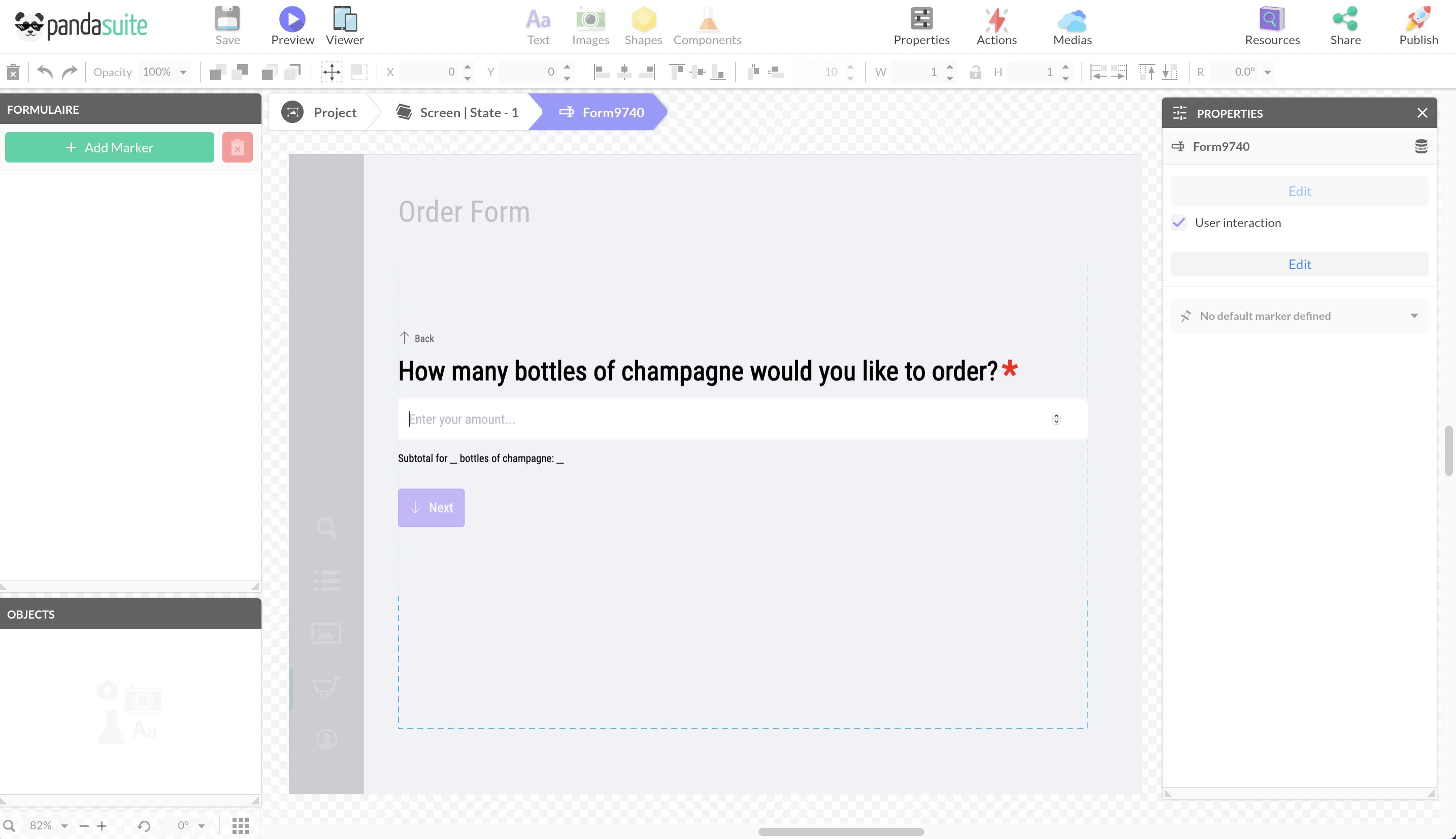
Tripetto allows you to create traditional forms with checkboxes, dropdown menus, text, multiple choices, numbers, etc. The forms and surveys are built visually with a drag-and-drop editor, requiring no coding knowledge. And it’s a free tool!
Prepare the form from the Tripetto editor and insert it into the component. The Tripetto component offers several advantages:
- It allows you to display the form and store data without any Internet connection.
- You can associate actions with this form and set up a customized workflow, for example, sending the data by email or to an external service (CRM tool). In this case, you will need to use the HTTP component to create a webhook via Integromat or Zapier.
Custom form
You can create a custom form in PandaSuite.
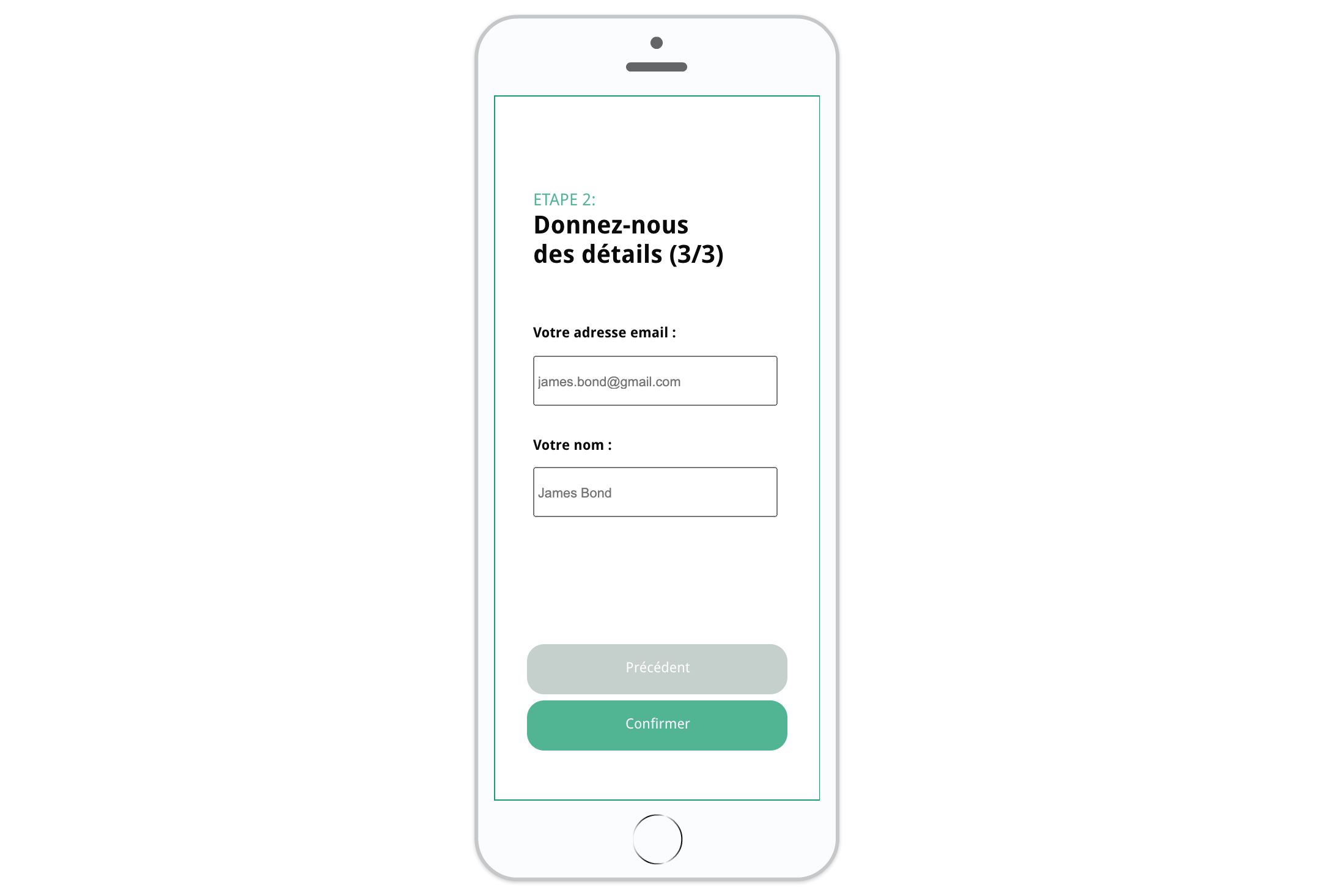
The Text Input component allows you to vary input formats (text, URL, password, date, etc.). This data can then be stored locally via the Datastore, and you need to connect an external service via the HTTP component to send/retrieve the data.
You can store data in the cache using the HTTP component and only send it when the connection is restored.
If you are looking for how to integrate a login/authentication form, please refer to this article: Login & Authentication
Incident Form
Add this template to your account in just a few clicks. Edit and customize it freely.
→ Add this template to your account