

Duplicate your project
≈ 200 tokens, Approximate size of this page for an AI assistant
Create a copy of your project to build a template database or keep an old version of a project.
To duplicate a project:
- Go to your dashboard, in the Projects section.
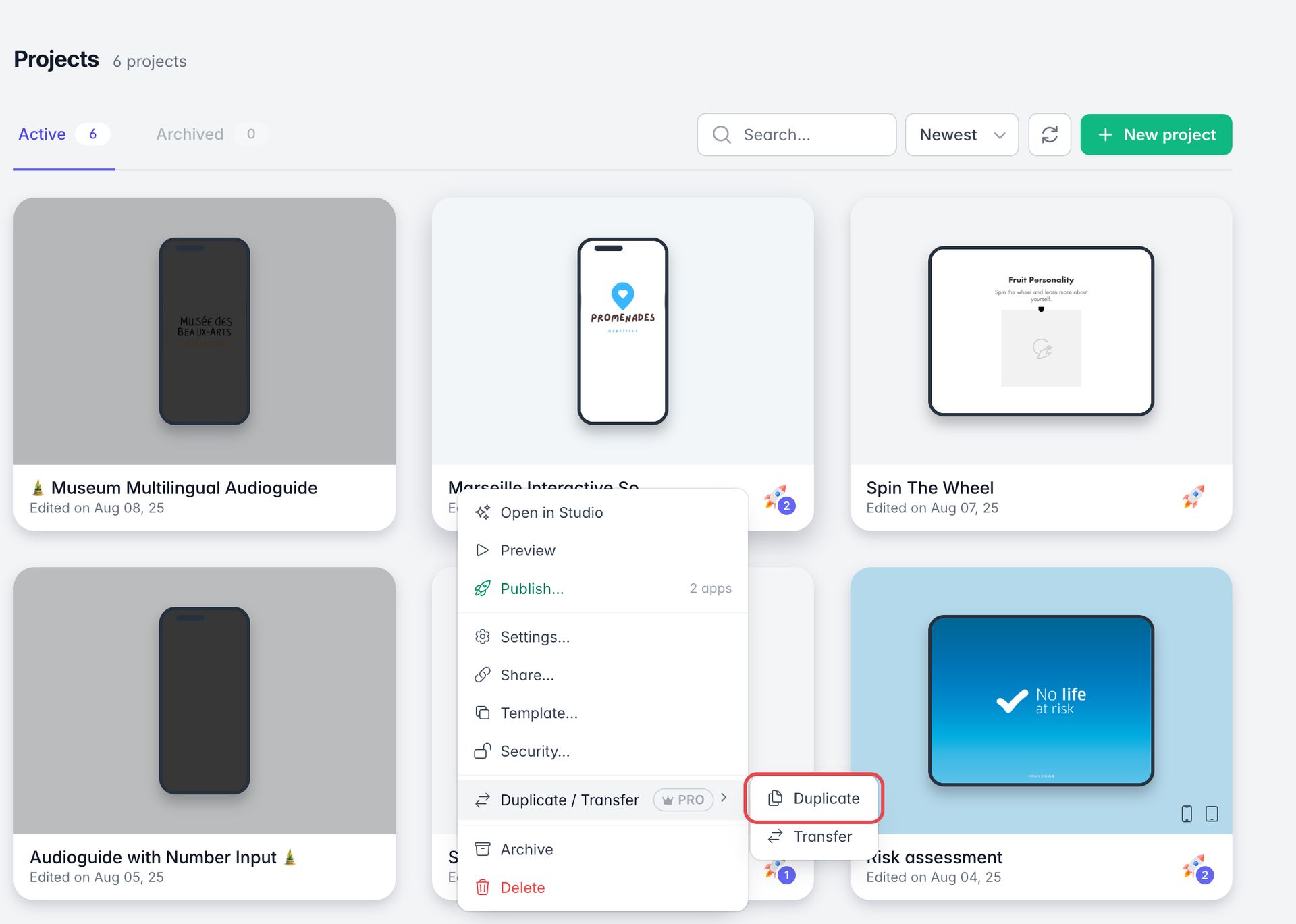
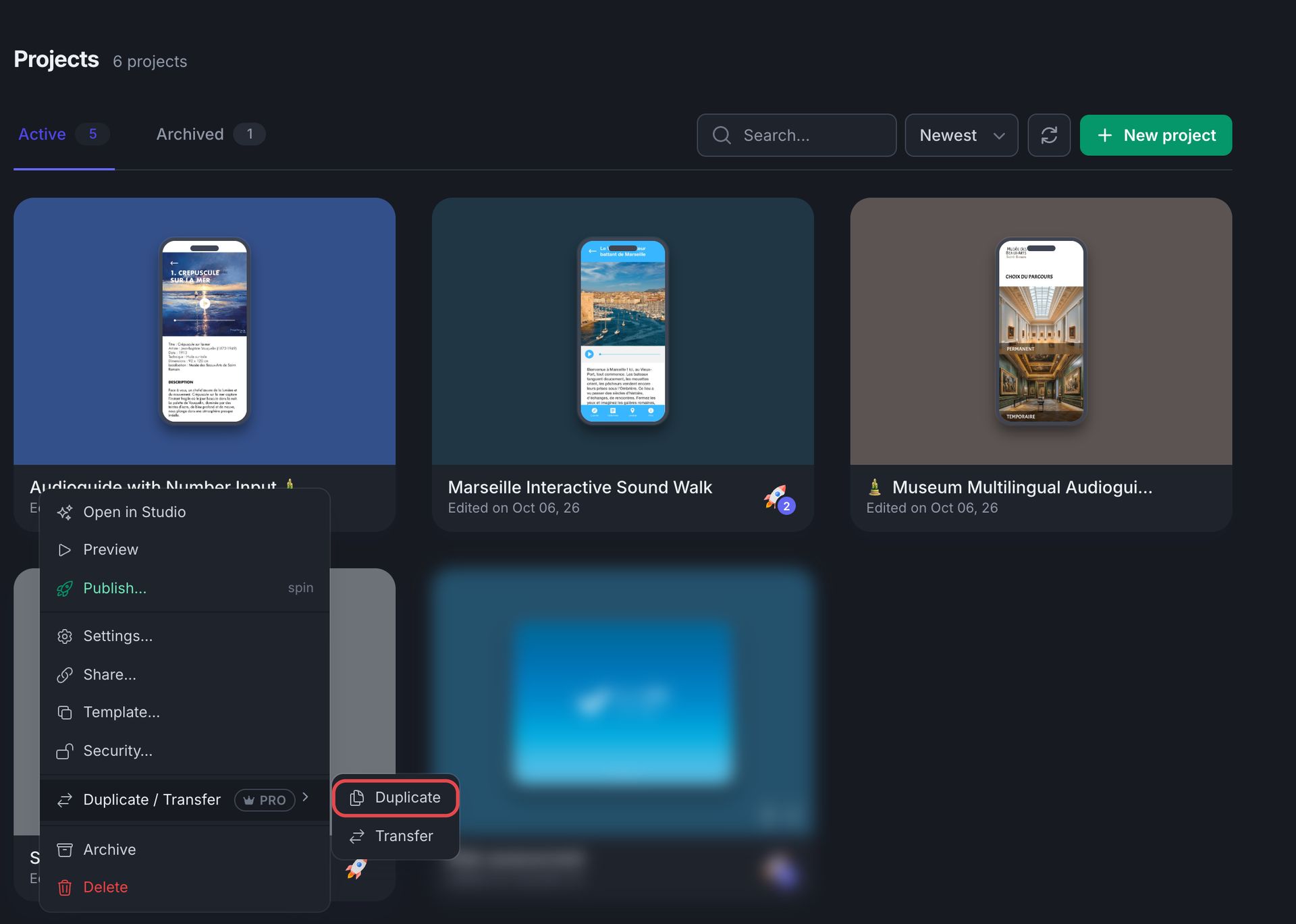
- Hover over the project and click ···.
- Point to Duplicate / Transfer, then click Duplicate.
- A new window appears: name the copy, then click Confirm.
Duplication is a feature of the Pro account. Become Pro today.