
Memory game
Create a memory game where users flip cards and must find matching pairs.
There are two approaches depending on your needs:
- Manual approach — fixed content, cards created individually in Studio.
- Dynamic approach — content powered by the Datastore, ideal for multiple levels or themes.
Manual approach
Use the Multi-state component to create each card individually. Ideal for a game with a fixed number of cards and specific visuals.
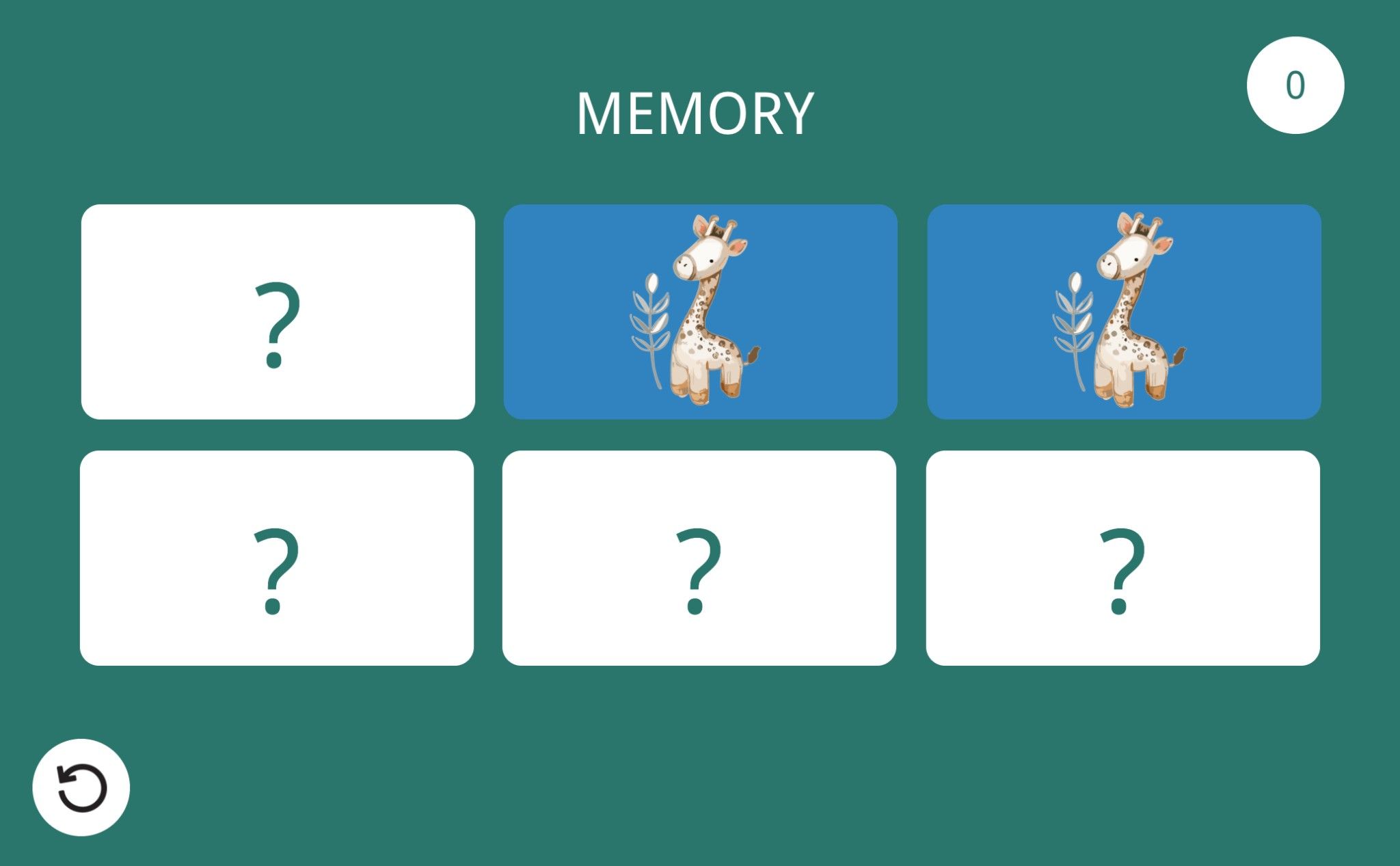
This video tutorial guides you step-by-step and illustrates the use of conditions and variables.
Memory Game
Add this template to your account in just a few clicks. Edit and customize it freely.
→ Add this template to your accountDynamic approach
Use the Datastore to manage cards dynamically. Cards are loaded from a data collection, allowing you to update the game’s content without modifying the project — ideal for multiple levels or themes.
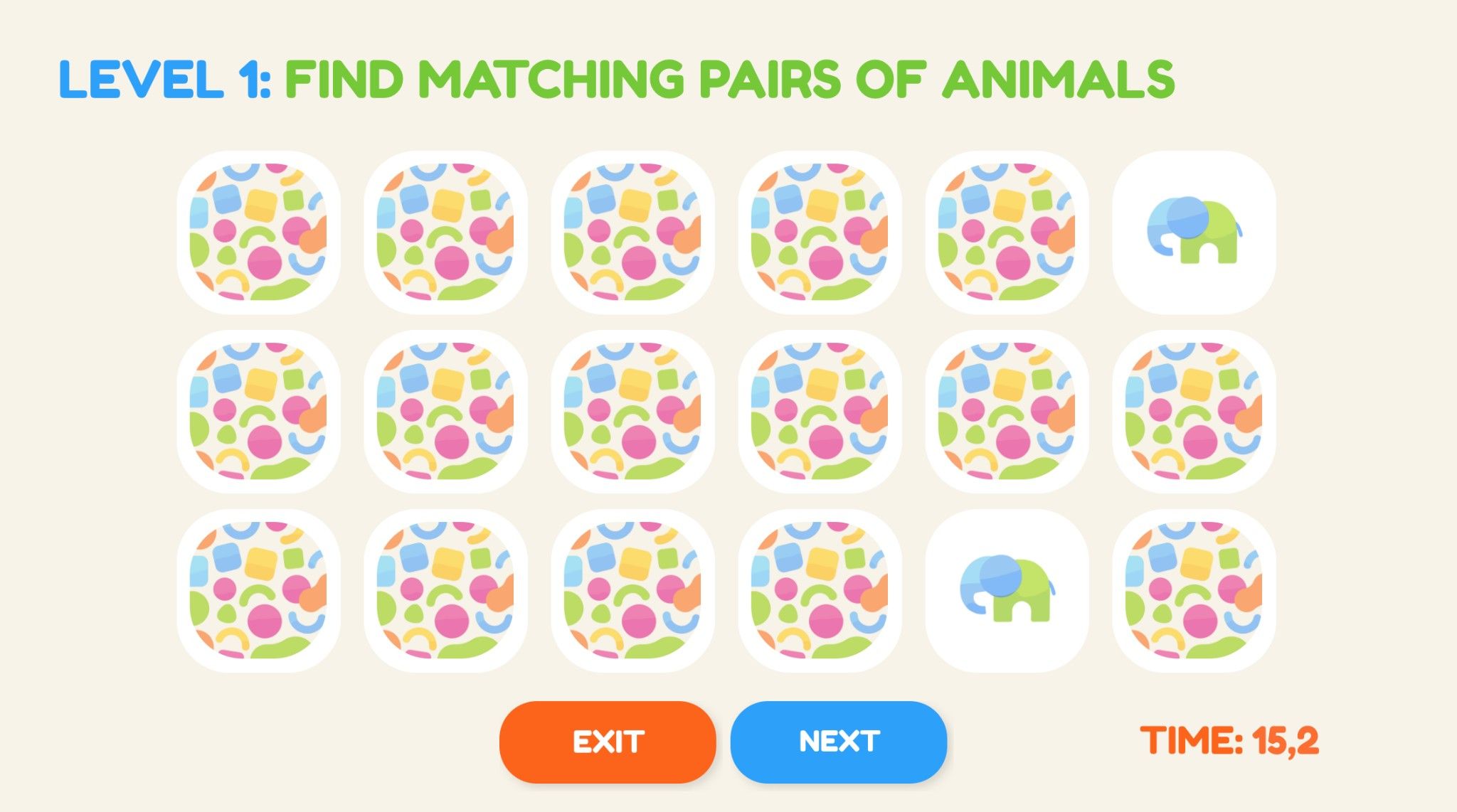
Dynamic Memory Game
Add this template to your account in just a few clicks. Edit and customize it freely.
→ Add this template to your account