
Publish and export your project
Publish to the web or export an application for iOS, Android, Windows, and/or macOS. Choose with your own branding: there is no more mention of PandaSuite, customize the icon and URL of your app. Discover all available formats.
Publish a Web App/PWA
Accessible from all browsers (Safari, Chrome, Internet Explorer…) and from all devices, the web app / PWA is accessible from a personalized URL, no need to install it. Developed in a web language (Javascript and HTML), it is hosted on a remote server and distributed on the Internet.
In terms of hosting, you have the choice of keeping the PandaSuite servers or exporting your application as a web package. With PandaSuite hosting, you can publish your updates instantly, customize the domain name and access the consultation statistics.
With the activation of service workers, you can transform your web app into a Progressive Web App (PWA) and benefit from the following features:
- Accessible offline thanks to caching
- Possibility to create a shortcut from the home screen
👉 To publish a web app, you need the Web plan.
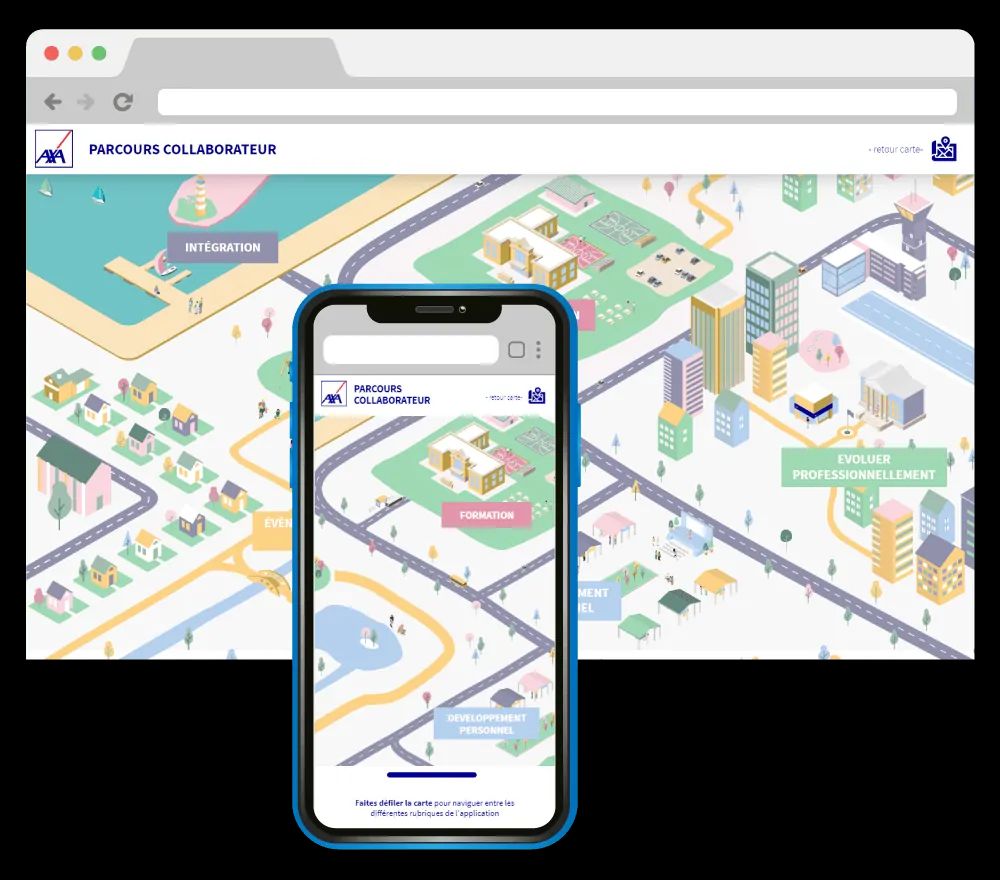
Start with Publish to the Web for PandaSuite hosting, or Export a web package for self-hosting, archiving, or LMS distribution.
Export a Mobile App for iOS or Android
The native application is downloaded on the mobile device or tablet of your users and can be consulted offline. Developed in the language of each platform (Objective-C for iOS, Java for Android), it allows you to make the most of the native features of the devices (accelerometer, GPS, etc…).
👉 To export a native app, you need a Single, Multi or Full plan. The choice depends on the device type (mobile and/or tablet) and whether you want to distribute multiple projects within the same app.
There are several ways to deploy your native app, but the first step is always to generate the correct binary for the target platform.
Export for iOS
Choose the iOS export if you want to distribute your application on iPhone or iPad.
- Generate an
.ipafile for App Store, Ad Hoc, or in-house deployment; - Choose iPhone, iPad, or both;
- Sign the app with the Apple assets required for your distribution method.
Start with Export an IPA file.
Export for Android
Choose the Android export if you want to distribute your application on Android phones or tablets.
- Generate an
.apkfile for direct installation or an.aabfile for Google Play; - Choose the target devices and distribution mode;
- Sign the app with your own certificate, the PandaSuite certificate, or your own signing workflow.
Start with Export an APK / AAB file.
Choose a distribution method
Once your binary is ready, choose the distribution path that matches your audience:
- For iOS, see iOS app deployment methods for App Store, Ad Hoc, in-house, unlisted app, or private hub distribution.
- For Android, see Publish your Android app for Play Store or sideloading guidance.
Export a Desktop App for Windows & macOS
A desktop app is installed directly on the computer of your users. PandaSuite
lets you generate one binary per operating system: .exe for Windows and
.dmg for macOS.
👉 To export a desktop app, you need a Single, Multi, or Full plan.
Export for Windows
Choose the Windows export if you want to distribute your application on PCs, touch terminals, or kiosk devices.
- Generate a native
.exeinstaller; - Configure installation behavior, architecture, offline asset packaging, and full-screen launch;
- Distribute the generated file directly to your users or IT team.
Start with Export an EXE File.
Then continue with Install your EXE File for standard deployment, Standalone EXE for offline installation for disconnected environments, or Silent installation of your EXE for large-scale IT rollouts.
Export for macOS
Choose the macOS export if you want to distribute your application on Mac computers.
- Generate a native
.dmgpackage; - Review the application name, icon, version, and build before generation;
- Share the generated installer with your Mac users or IT team.
Start with Export a DMG file.
Then continue with Install your DMG File to validate the installation flow on Mac, or Standalone DMG for offline installation for disconnected macOS environments.
Export for a LMS
You can export your interactive content to an existing e-learning platform (LMS). Add the SCORM CMI5 component to your project to track learner progress, completion, and score in your LMS, then export your app as a web package.
Choose the LMS package format expected by your platform when you export.
- Choose CMI5 package when your LMS supports or requires CMI5.
- Choose SCORM package when your LMS requires a SCORM-compatible archive.
For the component setup, see SCORM CMI5. For the export steps, see Export a web package.
👉 To export for an LMS, you need the annual Web plan.
Publishing Services
Hosting
By default your application is hosted on PandaSuite servers. It is possible to export it as a web package or to make your application autonomous.
Updates
You can update your application instantly after deployment. Save your changes in PandaSuite Studio and publish the latest version in one click. Users will receive an update notification if their device is connected to the Internet.
If you release a native application (iOS, Android, Windows) and your update corresponds to the addition of a new feature of PandaSuite Studio or a bug fix, it is necessary to export the application file again. Users will have to install this new file to replace the old one. If your application is published on the Apple App Store and/or Google Play, you must submit a new version of your application.
iOS & Android Push Notifications
You can send push notifications to users of your iOS & Android app. A push notification (or push message) is a message sent directly to your users’ iOS or Android device, even if the app is not open.
Type your message and send it instantly from your PandaSuite dashboard.
Analytics
Statistics allow you to understand the behavior of your users and monitor the performance of your application. By connecting your application to a statistics tool, you have all the resources you need to analyze your data and draw relevant insights.
You can connect to Google Analytics, Firebase Analytics and Mixpanel.