
Change the size of your project
You can change the size of a project after creating it.
Change the size of an existing project
- Open the project in PandaSuite Studio
- Open the menu
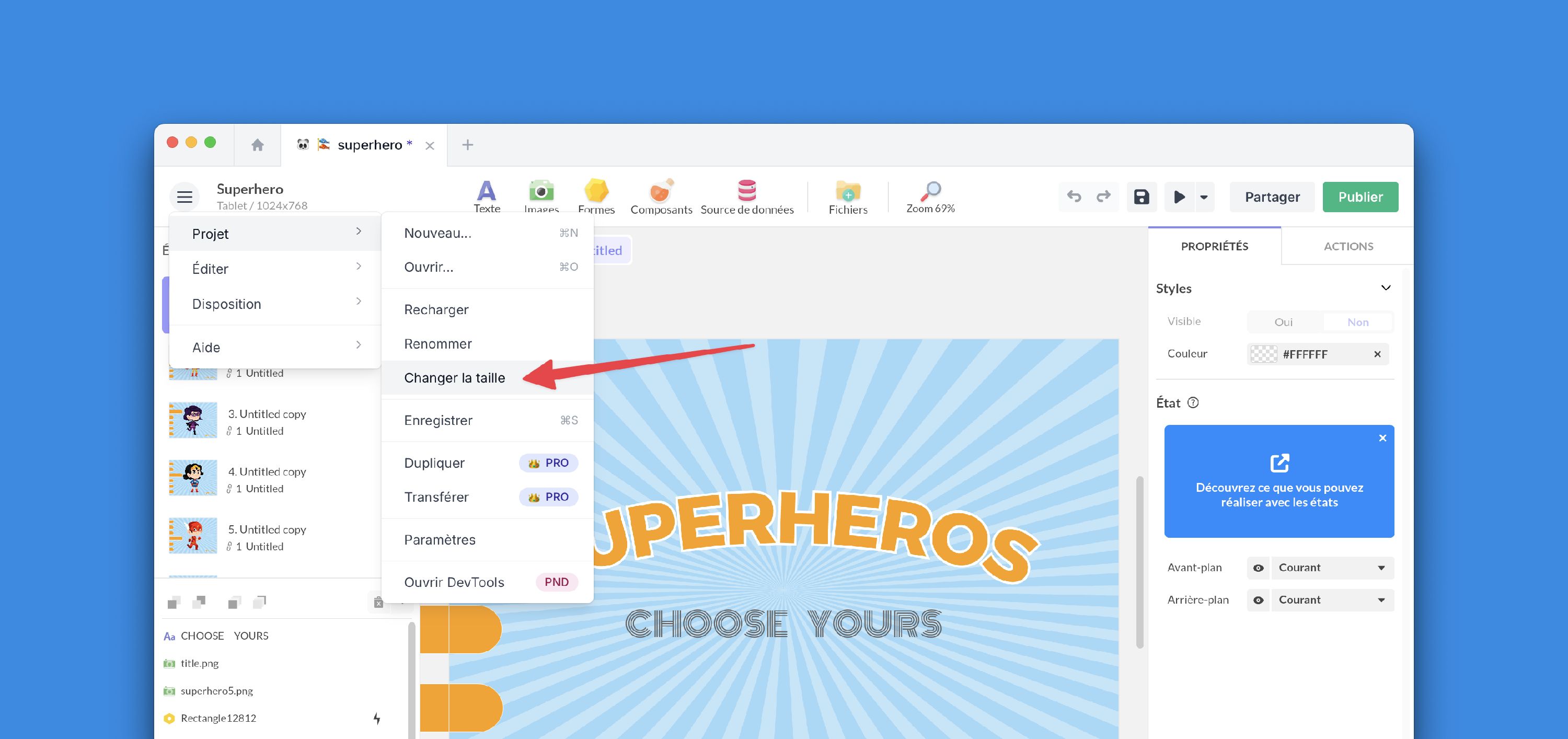
- Go to Project > Change size
- Choose the values
You can change the size of a project after creating it.